
Patel Gaming Projects
Picture Frames with Paintings
Time Duration: 14/11/2023 - 27/11/2023
This will show the process of how I created 2 to 4 different picture frames that will contain different paintings for the player to steal, or something that will go in front of the safe object. The painting in the picture frame will be created by AI art instead of being created by myself.
Research
These are different picture frame styles both classic and modern to give me some ideas.


Specifications
These are the specifications for the picture frames that I will be using based on the size of the art piece.
-
Art Piece Sizes: Width × Height
-
A2: 59.4 cm × 42 cm
-
A3: 42 cm × 29.7 cm
-
-
Frame Size: 3 cm depth from the wall, & 3 cm thick from the centre of the art piece
Rabbet size/Opening size = 1.25 cm thick from each side of the frame, 0.5cm depth, 0.125 from the art piece, & 0.125 from face -
Materials of the frame: wood, silver, bronze, aluminium, and stiff plastics such as polystyrene (styrofoam)
-
Back Board Materials: foamboards & 100% cotton rag boards, Cardboard & Wire Hanger, Foam core & Wire Hanger, or Hardboard
Sketches

These are only three sketches of the frame designs that I would use for modelling the process. The third design will a more frame will more detail around it edges than for the first and second designs.
Modelling Process

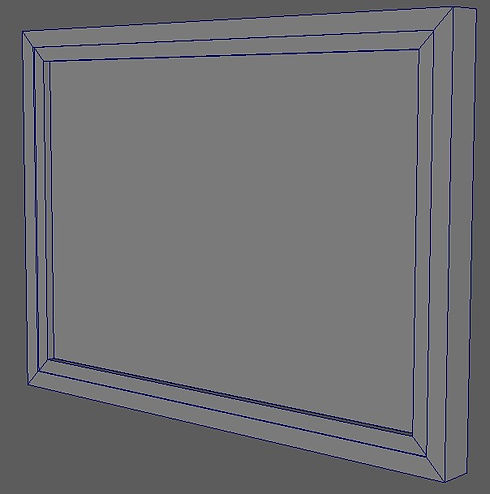
1) Using a primitive object that the same length and height as an A3 art piece, I started by extruding the edges by 3 cm and extruding the front faces by 1 cm, and later deleting the edge loops.
2) Next, I used the multi-cut tool to create to edges and extrude the centre faces to create the rabbet.
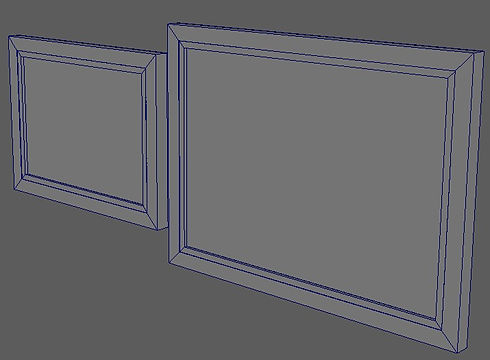
3) I repeated the same method to create an A2 sized picture frame.
4) I edited both UV maps, so I can be able to create the materials needed for models.
.jpg)
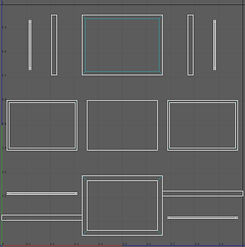.jpg)

5) Finally, I duplicated the models and rotated it by 90 degrees by selecting all the faces to create a portrait picture frame before exporting the models as separate objects.
Creating Material Maps
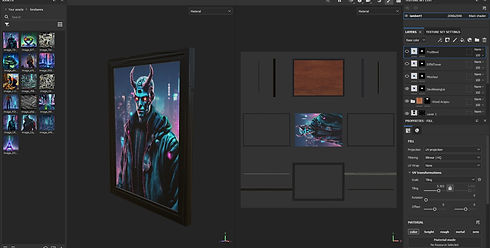
From using Adobe Substance 3D Painter, I added a black mask and used the polygon Fill to select specific sections material of the model to create the frame wood joints frame and back board, I only covered the frame wood joints in black for both picture frame models, but for the art pieces were simply just used an AI art website called “OpenArt” that generated different art piece that I've added to the material maps and exported them as individual maps.


Final Model
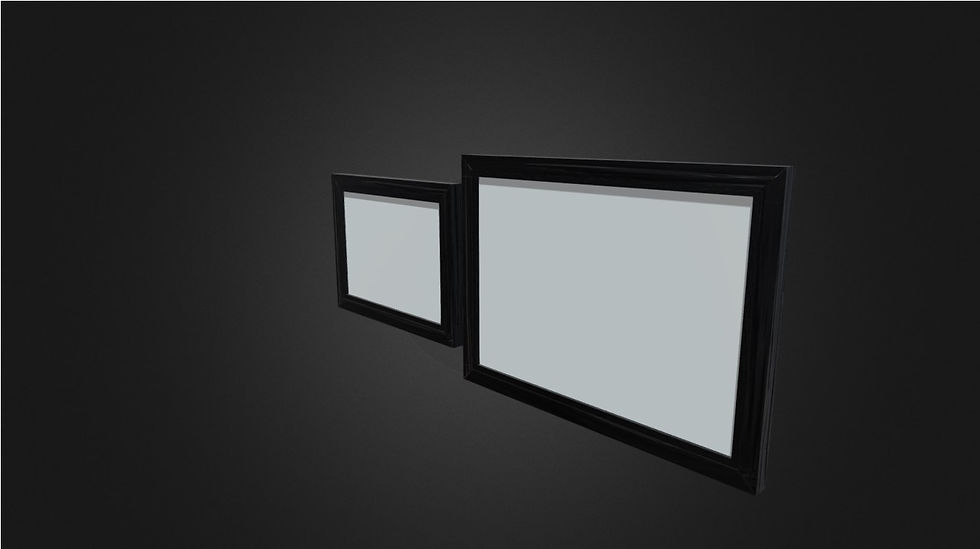
These are the finished versions of the picture frame assets that are on my ArtStation account, it only shows the frame being textured with no painting due to it being create by an AI art website.
Reflection on Asset Process
The improvements I would have done with making the picture frames:
-
Created better and more sketches of picture frame designs.
-
Made my own designs for the art paintings than just using an AI art website.