
Patel Gaming Projects
Wooden Ladder
Time Duration: 14/02/2023 - 23/02/2023
This shows my process on how I created a ladder model to be used as a prop in the trenches.
Research
I started by looking into ladder models done based on the shape and material texture.


Sketches
These are some different ladder designs I sketched out, based on different the structures of the steps.

Modelling Process

1) I started with changing the size of two primitive objects to create the side rail and step of the ladder.
2) Next, I mirrored the side rear and duplicated the step and move them to different positions.


3) I then merged the objects after changing the size of the steps.
4) I used the multi-cut and brigade tool to alter the size for the ladder’s appearance.


5) Before exporting the model, I changed alter the size and positioning of UV map for when I create the material.
Creating Material Maps
I reused the same method to create the ladder materials as I did for the plank materials.
1) I started by reused the Wooden Plank albedo map and added some grey circles using the ellipse to create the nails on the board steps.
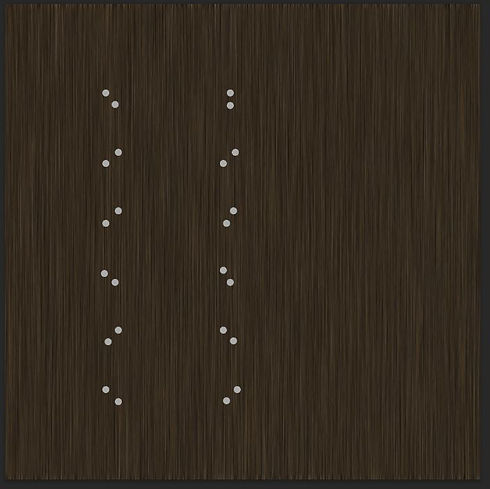

2) Next, I changed the circles colour to white and merged it with a black background to create the metallic map.
3) I duplicated the layer, then rotated one of the layers and the used quick selection to select parts on the UV map and erased tool to create the individual wooden parts of the albedo map.


4) Next, after duplicating the albedo map, I reused the Black & White, Exposure, Brightness/Contrast, and Generate Normal map to create the Normal map texture for my object.
5) Before exporting the map layers individually, I added some with rectangles black line stroke to a white background for the AO map.
