
Patel Gaming Projects
Wooden Plank
Time Duration: 18/02/2023 - 23/02/2023
This process shows how I created a wooden plank. Thanks to one of previous team members, I was able to know what size I should do the model without creating various sketches.
Research
I found some research images wooden plank models based on the textures, since I can easily create the shape of the plank.


Modelling Process
I only altered the positioning of the pivot points after selecting the required size for the model (4 cm width × 15 cm depth × 0.2 cm thickness). After completing editing of the model, I changed the shape of the UV map before exporting.


Creating Material Maps
I was able to use Adobe Photoshop to create the material maps for wooden plank.
1) I started by adding a Motion Blur before adding a Uniform Noise to full brown coloured layer.


2) Next, I increased the size and adjusted the levels of the layer to create the Albedo Map.
3) I then duplicated the layer so I can add and adjusted the Black and White, Exposure and Brightness/Contrast.

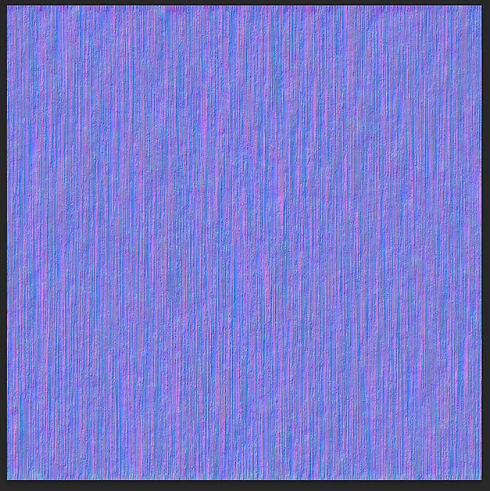
4) Finally, I selected a Generate Normal Map to create the normal map texture and exporting the material maps for my object.